
A draft sits open in one tab, the notes app has six half-finished headlines, the outline is hiding in a separate doc, and the “final” version still needs a cleaner lead, a better transition, and one fewer paragraph trying to be clever. That is the normal point where Substack work stops being a writing problem and becomes a toolchain problem. The answer is not a bigger pile of apps. It is a small system that helps you move from idea to post to series without letting every handoff turn into a negotiation.
This guide keeps the focus on tools that actually help with Substack posts and series: drafting, editing, planning, and managing repeatable structure. If you want the broader framework behind that workflow, the parent guide to Substack posts and series is the right starting point.
What the best AI tools for Substack actually need to do
The best AI tools for Substack are not the ones that generate the loudest first draft. They are the ones that reduce friction without flattening judgment. In practice, that means helping with four jobs:
- Find an angle fast enough to avoid staring at a blank page.
- Draft and revise without forcing every paragraph to start over.
- Edit for clarity so the post does not wander off into tasteful fog.
- Plan recurring structure when a post needs to become a series, not a one-off.
That aligns with the way official product teams describe modern writing assistants and research tools: assist, summarize, rewrite, and speed up repetitive work, but not replace the editor’s judgment. OpenAI’s own usage patterns for ChatGPT and Anthropic’s Claude both point in that direction, while Google’s AI Overviews and Gemini tools show how search and synthesis are increasingly part of the writing workflow rather than separate from it. Primary sources worth keeping in mind: OpenAI ChatGPT, Anthropic Claude, and Google Search AI features.
The main categories of AI tools for Substack posts and series
Rather than ranking every app on earth, it is more useful to sort tools by the stage where they earn their keep. A lean stack usually beats a “best tools” shopping spree.
1. AI drafting and rewriting tools
These are the tools for getting words onto the page, tightening a rough section, or producing alternate phrasings when the first pass sounds like it was written under fluorescent lights. Useful jobs here include:
- turning bullet points into a first draft
- rewriting a muddy paragraph for clarity
- generating subject line or headline variants
- compressing long passages without losing the point
Best fit: writers who already know the angle and need speed, not inspiration theater.
2. Research and source-handling tools
Substack posts often need cleaner factual support than a casual brainstorm can provide. Research tools help gather references, summarize background material, and separate “interesting” from “actually useful.” Good use cases include:
- summarizing source articles before drafting
- pulling key points from long reports
- checking terminology before you publish something imprecise
- finding a tighter supporting example for a series post
Best fit: posts that need evidence, not just vibes.
3. Editing and readability tools
Editing tools help catch the quiet problems: sentences that are too long, transitions that do nothing, repeated words, and paragraphs that start three different arguments at once. That is often where AI is most useful. It does not need to invent anything. It just needs to point at the clutter.
- readability checks
- style cleanup
- grammar and punctuation review
- spotting repeated structures and weak transitions
Best fit: writers who draft quickly but want the final version to feel deliberate.
4. Planning tools for recurring series
Series work is where the stack either becomes elegant or starts eating itself. Planning tools should help map the arc of a series, not just capture stray ideas. They are useful for:
- mapping a four-part or multi-part editorial sequence
- tracking what each issue must do
- checking that each installment moves the reader somewhere new
- reusing a format without making the series feel copy-pasted
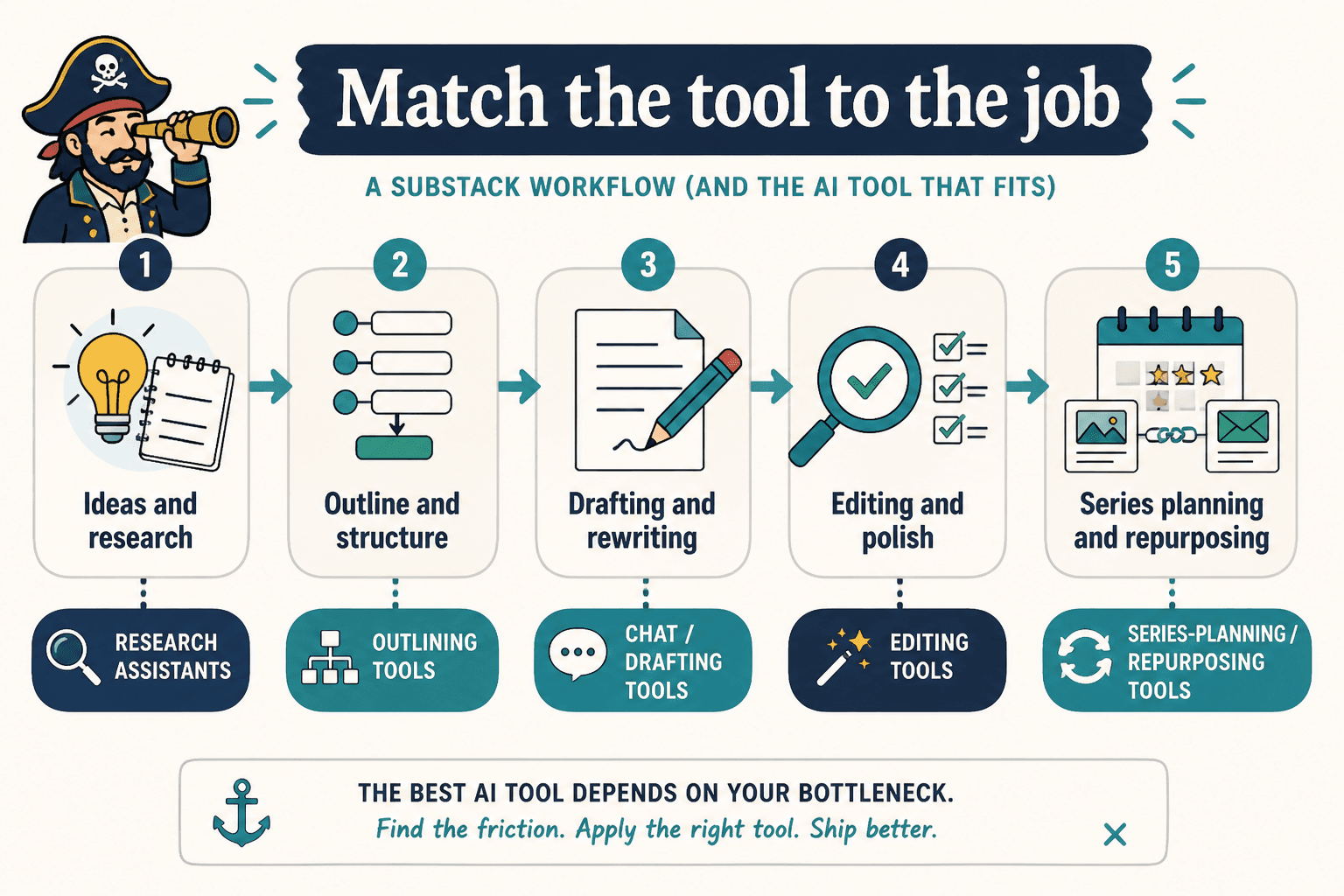
Best AI tools by workflow stage
Idea capture and angle testing
Use AI here when the goal is not “write the post” but “find the version worth writing.” Good prompts for this stage include angle testing, audience segmentation, objection handling, and headline exploration. This is especially useful for series planning, where one topic can support multiple installments.
Recommended tool types:
- chat-based AI assistants for angle generation
- note apps with AI summarization or idea extraction
- research tools that condense source material into usable prompts
For topic generation and issue planning, the related guide to Substack post and series ideas and examples is the natural companion piece.
Drafting and rewriting
This is where a lot of people overuse AI and then act surprised when the draft starts sounding like an overconfident press release. The better approach is to use AI for narrow tasks:
- expand bullet points into rough prose
- rewrite a section in a cleaner voice
- generate three versions of a transition
- convert a spoken outline into readable copy
Use the tool as a drafting assistant, not as a ghostwriter with a bad memory.
Editing and readability
Once the draft exists, AI can help identify weak spots: passive constructions, repetitive openers, vague claims, and paragraphs that are longer than their ideas deserve. Editing tools are often most valuable when they are boring. That is a compliment.
For posts built around a strong point of view, editing should preserve voice while cutting drag. For tutorials and series posts, it should improve navigation: clearer headings, fewer side paths, stronger signposts.
Series planning and structure
For series, the right AI tool helps answer questions like:
- What belongs in part one versus part three?
- What should repeat across the series so it feels coherent?
- What needs to change from installment to installment?
- What is the simplest structure that still gives the reader momentum?
That is where an outline builder, a long-form note system, or a planning assistant is more useful than a “write me a newsletter” prompt. The prompt alone cannot decide the architecture. Sadly, it also cannot be shamed into doing so.
A lean AI stack by creator type
For solo writers
A lean solo stack usually needs only three layers:
- One drafting assistant for idea expansion and rewrites
- One editing tool for readability and cleanup
- One planning workspace for series outlines and publishing cadence
That is enough for most newsletter operators. More tools can be helpful, but only if they reduce handoffs instead of multiplying them.
For paid newsletter operators
If the newsletter is tied to revenue, the stack should also support consistency. That means tools that help maintain:
- a repeatable issue structure
- clearer calls to action
- editorial planning around launches, upsells, or member-only sequences
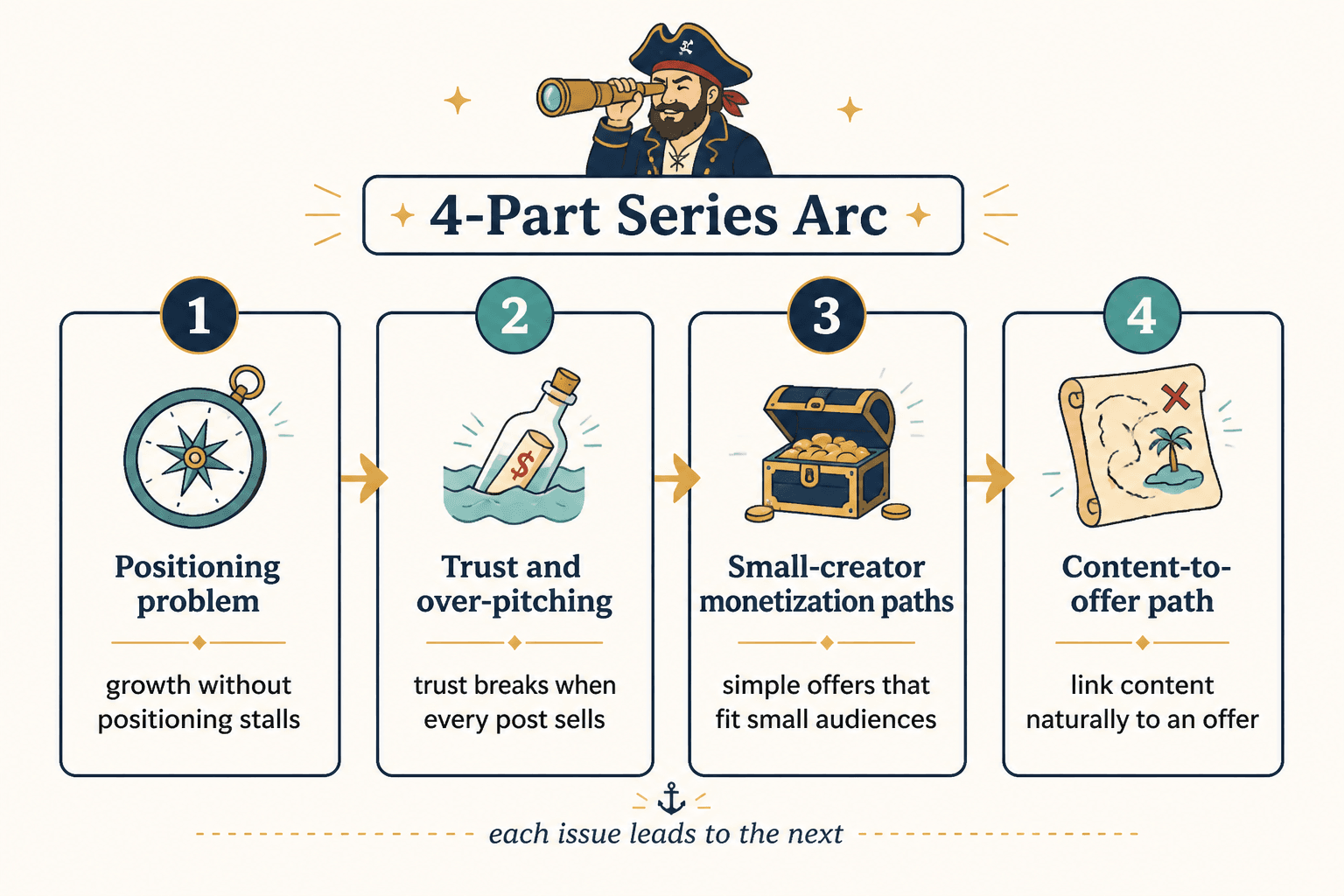
For that angle, see how to turn Substack posts and series into more leads or sales. The point is not to make the newsletter sleazy. It is to make the path from attention to action less vague.
For series-driven publishers
If the main unit of work is a multi-part series, prioritise planning and continuity over flashy drafting. A good stack here helps you keep track of:
- what was already promised
- what each installment introduces
- which examples recur
- how the ending leads to the next issue
Where AI helps most in Substack posts versus series
For individual posts: AI is most useful in angle testing, headline cleanup, and editing. The goal is usually to sharpen one piece until it lands cleanly.
For series: AI is most useful in planning, consistency, and transition management. The goal is not one strong issue. It is a sequence that builds on itself without repeating the same paragraph in different shoes.
A helpful rule: use AI to improve the next decision. For a post, that might be the lead or the hook. For a series, that might be the chapter order or the framing of part two. Different problem, different tool use.
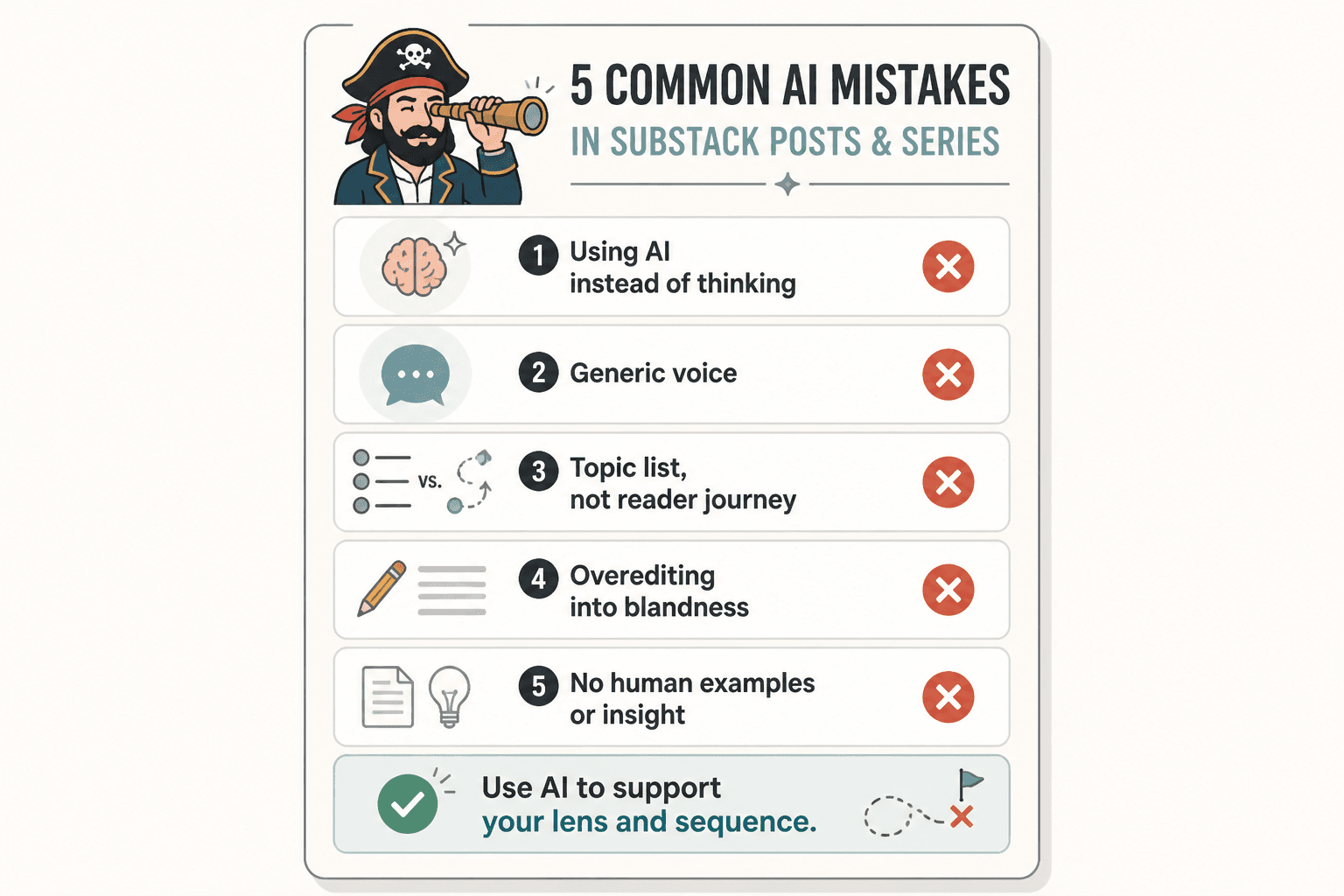
Common mistakes to avoid
- Using AI to fill every blank. That often produces a post that is technically complete and completely forgettable.
- Letting the tool define the structure. Good structure comes from the editorial job, not from a generic prompt.
- Over-editing the voice out of the draft. Clean is good. Sterile is not.
- Using five tools where two would do. Every extra handoff is a chance for the draft to drift.
- Ignoring series continuity. A series needs memory. So do readers.
How to choose the right AI tools for Substack
Use this quick filter before adding anything to your stack:
- Does it help me draft, edit, or plan faster without making the process worse?
- Does it work on the kind of content I actually publish: one-off posts, recurring columns, or multi-part series?
- Does it reduce handoffs between idea, draft, and final publish?
- Can I explain its job in one sentence?
- Would I still use it if no one else saw my workflow?
If the answer to most of those is no, it is probably a novelty, not a tool.
Bottom line
The best AI tools for Substack posts and series are the ones that make the workflow simpler, not louder. Start with a drafting assistant, add an editor, then bring in planning support if the work is serial. That is usually enough to move from “I have an idea” to “I published the thing” without turning your newsletter into a software ecosystem with a personality disorder.
For the broader structure behind this topic, return to the parent guide on Substack posts and series. If you want more examples and format ideas, the sibling guide on templates and tools is a useful next stop.